Why Most Website Problems Start Long Before They Appear

Why Most Website Problems Start Long Before They Appear
Most businesses assume website problems happen suddenly.
One day everything seems to be working perfectly.
The next day a contact form stops working, the website goes offline or customers start reporting issues.
In reality, most website failures begin weeks or even months before anyone notices them.
A missed software update.
A backup that quietly stopped running.
A security certificate approaching expiry.
A plugin conflict nobody spotted.
The visible problem is often just the final symptom of a much longer process.
At OrganikSEO, we regularly see businesses reacting to website problems that actually started months earlier. By the time the issue becomes visible, opportunities may already have been lost.
Understanding the warning signs can help prevent downtime, protect your website and avoid costly emergency repairs.
Why Website Problems Rarely Happen Overnight
Websites are not static assets.
They rely on software, hosting environments, security certificates, plugins, integrations and third-party services working together correctly.
When one part of the system begins to fail, the effects are not always immediate.
This is why website maintenance is often misunderstood.
Many business owners think maintenance is about fixing things when they break.
In reality, effective website maintenance is about identifying problems before they become visible.
Most website failures are symptoms, not causes.
The cause usually appeared much earlier.

Why Most Website Problems Start Long Before They Appear
Most businesses assume website problems happen suddenly.
One day everything appears to be working perfectly.
The next day a contact form stops working, the website goes offline or customers begin reporting issues.
In reality, most website failures start weeks or even months before anyone notices them.
A missed software update.
A backup that quietly stopped running.
A security certificate approaching expiry.
A plugin conflict nobody spotted.
The visible problem is often just the final symptom of a much longer process.
At OrganikSEO, we regularly see businesses reacting to website issues that actually started months earlier. By the time the problem becomes visible, opportunities may already have been lost.
Understanding these warning signs can help prevent downtime, protect your website and avoid costly emergency repairs.
Why Website Problems Rarely Happen Overnight
Websites are not static assets.
They rely on software, hosting environments, security certificates, plugins, integrations and third-party services working together correctly.
When one part of the system begins to fail, the effects are not always immediate.
This is why website maintenance is often misunderstood.
Many business owners believe maintenance is about fixing things when they break.
In reality, effective website maintenance is about identifying problems before they become visible.
Most website failures are symptoms, not causes.
The cause usually appeared much earlier.
The Hidden Warning Signs Most Businesses Miss
A Software Update Nobody Installed
WordPress, themes and plugins regularly release updates to improve security, performance and compatibility.
When updates are delayed for long periods, vulnerabilities can develop and compatibility issues become more likely.
The website may continue working normally for months before problems eventually appear.
The Backup That Has Never Been Tested
Many businesses assume backups are running successfully.
Very few actually verify that those backups can be restored.
A backup only becomes valuable when it works during an emergency.
Until then, it is simply an assumption.

The Contact Form That Quietly Stopped Working
This is one of the most common issues we encounter.
The website looks perfectly normal.
Visitors complete the contact form.
Nothing appears broken.
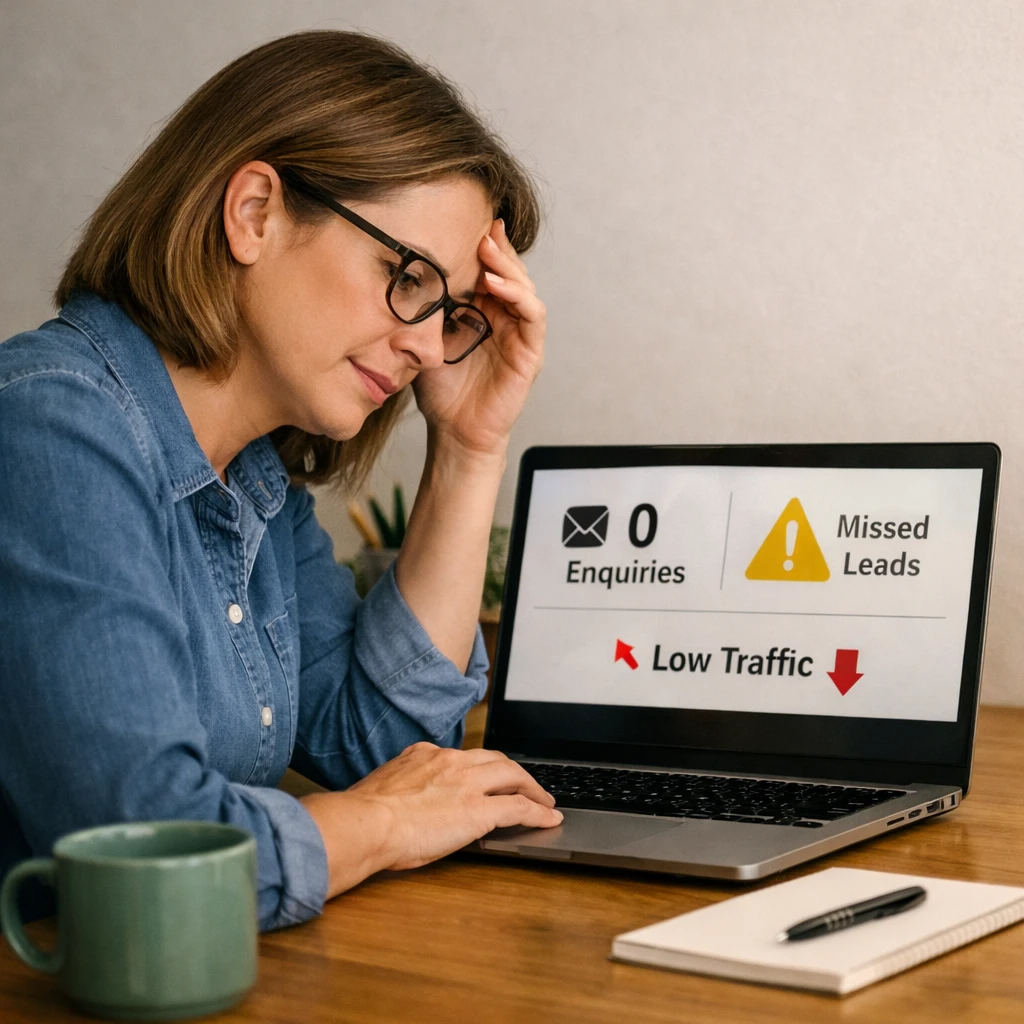
The problem is that enquiries never arrive.
In some cases, businesses discover months later that they have been missing valuable opportunities without realising it.
The Security Warning Nobody Saw
Cybersecurity threats rarely arrive with advance notice.
Outdated plugins, weak passwords and unpatched vulnerabilities create opportunities for automated attacks.
The problem may exist long before any visible damage occurs.
The Website That Gradually Became Slower
Performance issues often develop slowly.
Additional plugins, oversized images and outdated software can gradually reduce loading speeds over time.
Because the change is gradual, many businesses fail to notice how much slower their website has become.
Learn more about our Website Maintenance Services Hampshire.
How Small Issues Become Expensive Problems
Most website failures follow a predictable pattern.
Month 1
A software update is missed.
Month 2
A compatibility issue develops.
Month 3
A contact form begins failing intermittently.
Month 4
Enquiries start to decline.
Month 5
The business notices something is wrong.
Month 6
Emergency repairs become necessary.
The technical issue may have started in Month 1.
The financial impact is often not discovered until months later.
This is why preventative maintenance is usually far less expensive than reactive repairs.
The Cost Of Reactive Website Maintenance
Many businesses know what they paid to build their website.
Far fewer know what website problems are costing them today.
The hidden costs often include:
- Lost enquiries
- Lost revenue opportunities
- Reduced customer trust
- Emergency repair costs
- Lower search visibility
- Internal disruption
A broken website does not need to be completely offline to damage a business.
Sometimes a single broken form can have the same financial impact as a major outage.

What Proactive Website Support Looks Like
Proactive website support focuses on prevention rather than reaction.
Instead of waiting for something to break, potential issues are monitored and addressed before they affect visitors.
This typically includes:
- Software updates
- Security monitoring
- Backup verification
- Performance reviews
- Contact form testing
- Technical troubleshooting
- Content reviews
Good website maintenance is not about fixing problems.
It is about preventing them from happening in the first place.
If your business relies on its website, proactive Website Support can help reduce risk while improving reliability and performance.
A Simple Website Maintenance Checklist
Review this checklist at least once every month:
✓ Confirm WordPress updates have been completed
✓ Verify backups are running successfully
✓ Test all contact forms
✓ Check website speed and performance
✓ Review security notifications
✓ Confirm SSL certificates remain valid
✓ Remove unused plugins and themes
✓ Review website content for outdated information
✓ Verify access credentials are documented
✓ Test key customer journeys
Small checks performed regularly often prevent much larger problems later.
Final Thoughts
Most website problems do not begin when they become visible.
They begin when nobody is paying attention.
The businesses that experience the fewest website emergencies are usually the ones investing in prevention rather than repairs.
A well-maintained website remains secure, reliable and capable of supporting long-term business growth.
If you’re unsure whether your website is being properly maintained, a review can often identify hidden risks before they become expensive problems.
Here to help you
Frequently Asked Questions (FAQ)
Whether you are looking to boost your search rankings or streamline your sales pipelines, we have answered our clients’ most common questions below. Can’t find the specific answer you need? Just chat with us.